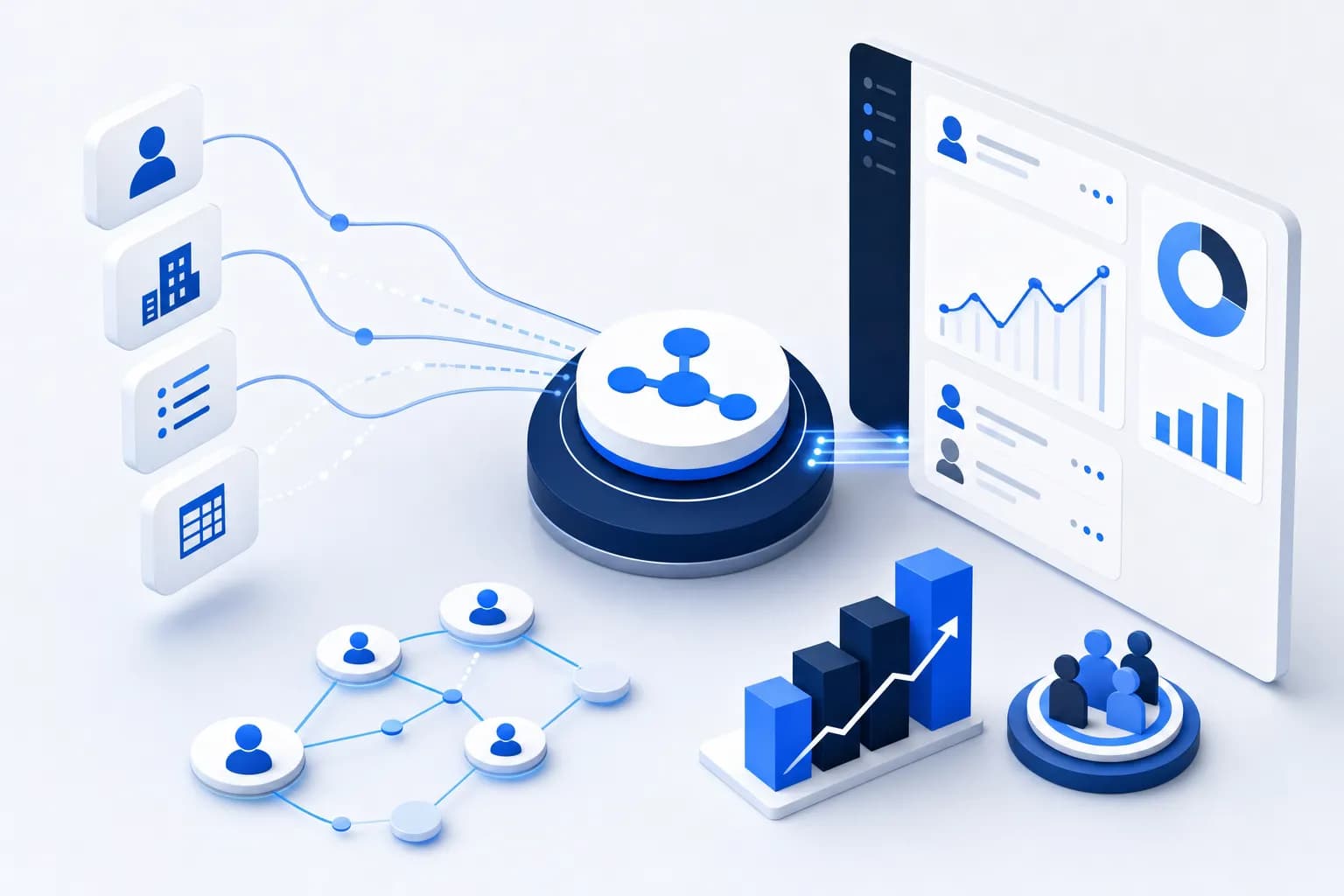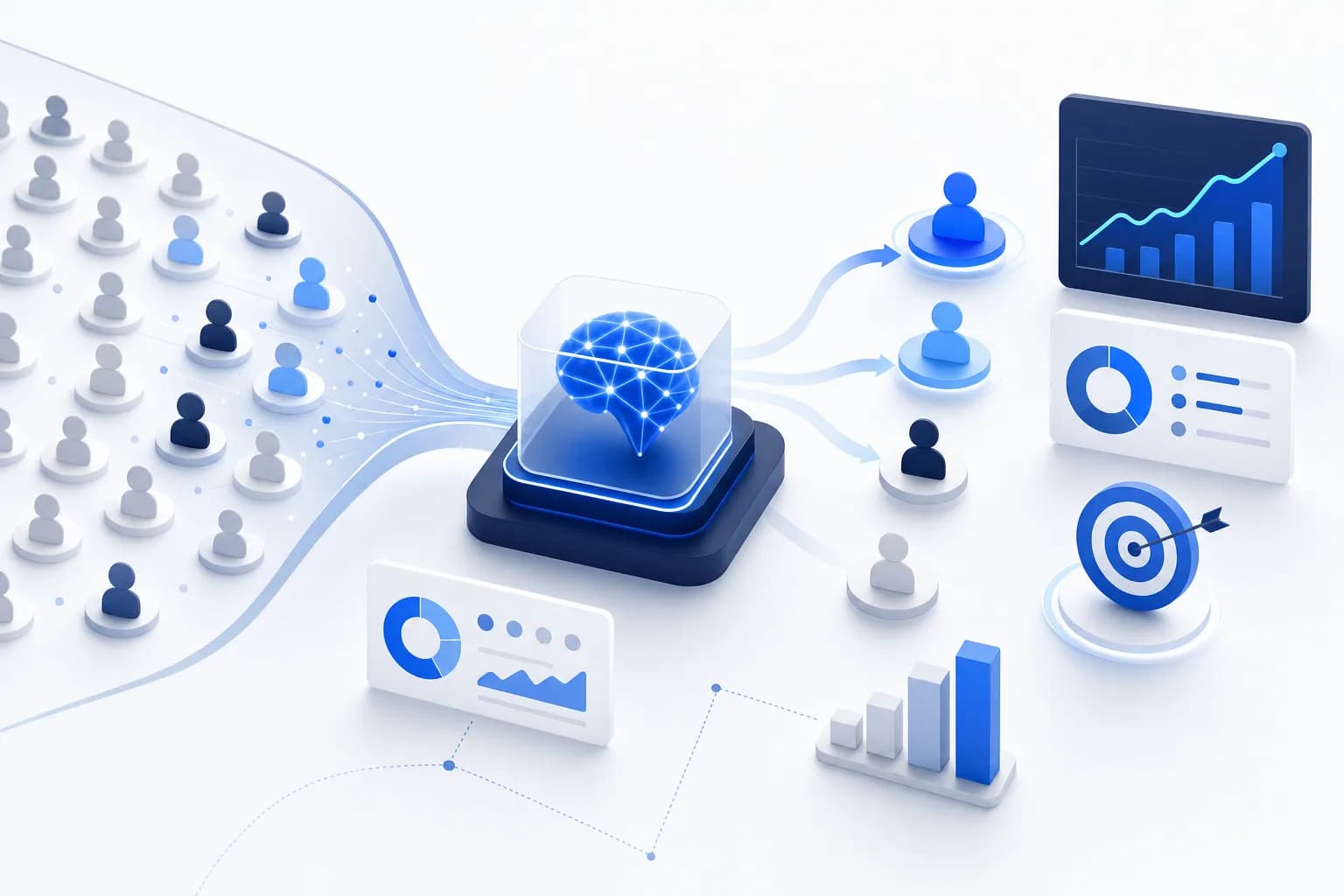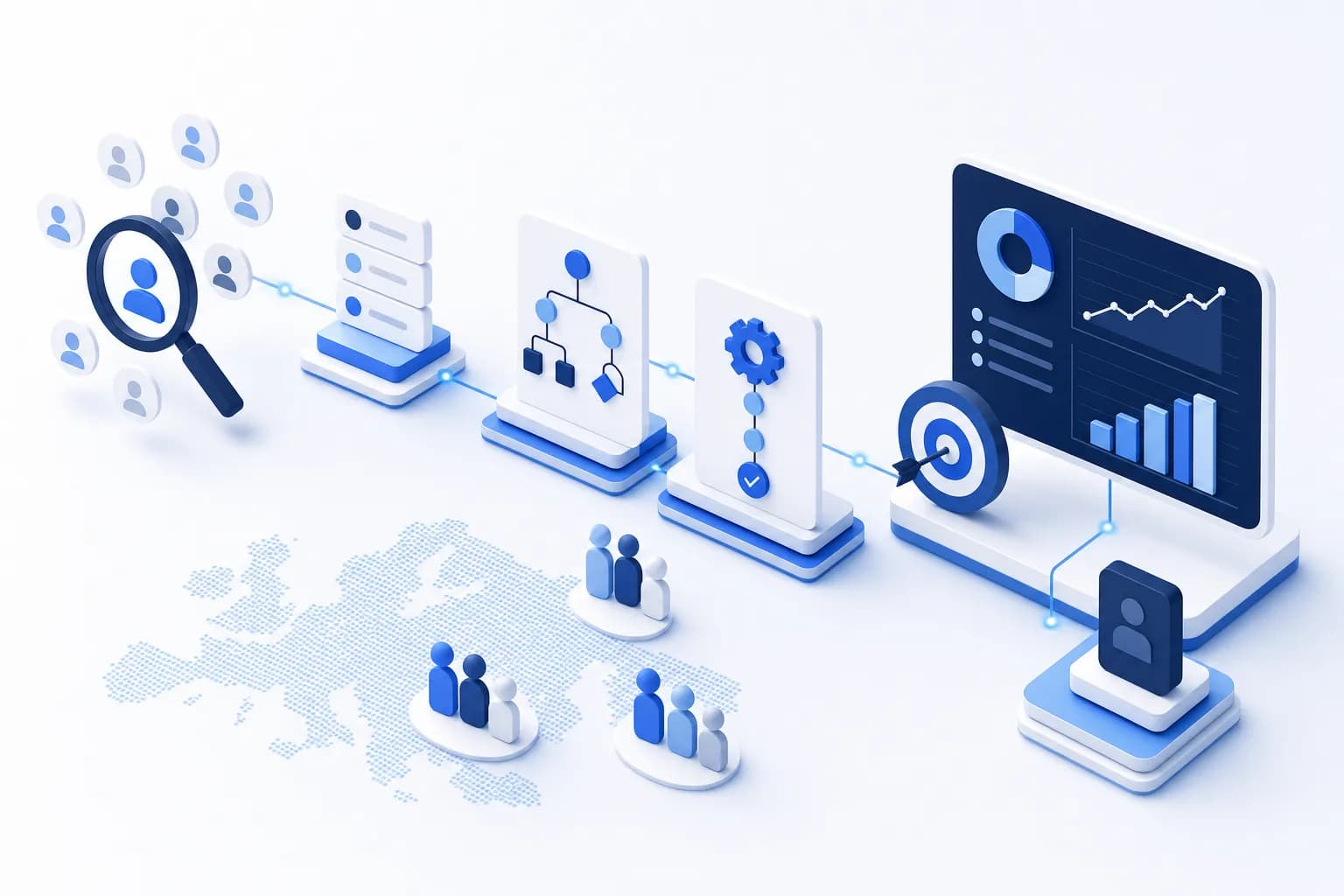
Automating B2B sales does not mean replacing the human — it means handing the four most time-consuming tasks over to software: lead research, qualification, CRM upkeep, and preparing the first approach. The conversation, the negotiation, and the sending of promotional emails deliberately stay with the human — the latter not least because, under § 7 UWG (a provision of the German Act Against Unfair Competition), email advertising generally requires consent. This guide shows which sales steps you can automate, which you should not automate, and in which order to get started successfully.
An average sales rep spends a considerable part of their week on administrative tasks: researching lists, hunting for email addresses, creating CRM entries, prioritizing leads. That is time not spent on actual selling. Automation gives this time back — if it is applied in the right places.
What does it mean to automate B2B sales?
Sales automation is the transfer of recurring, rule-based sales tasks to software — from lead research through qualification to data upkeep in the CRM — while relationship-dependent steps like the conversation, negotiation, and closing stay with the human. The term is often confused with "everything runs by itself". In practice, the opposite is true: good automation shifts human working time from preparation into the conversation.
The distinction from outreach automation is important: anyone who automatically builds lists, scores leads, and populates CRM fields operates in the realm of internal process optimization. Anyone who automatically sends marketing emails to recipients without consent, on the other hand, leaves that realm — § 7 UWG (statutory text at gesetze-im-internet.de) classifies email advertising without prior express consent as an unreasonable nuisance, even in B2B. This guide therefore treats the preparation of the first approach as automatable — but not the sending.
Which sales steps can be automated?
Four steps in B2B sales can be reliably automated today: company research, contact data extraction, qualification via AI scoring, and CRM system upkeep. Added to this, as a fifth step, is the preparation of the first approach — drafts, that is, not the sending. In detail:
Step 1: Automate company research
Instead of searching manually in Google Maps, business directories, or LinkedIn, you define your target audience once:
- Industry (e.g. "IT consulting", "tax advisory", "mechanical engineering")
- Region (e.g. "Bavaria", "Rhine-Ruhr", "the entire DACH region")
- A description of your own offering, so the fit can be evaluated
Data sources like the Google Places API then automatically deliver hundreds of matching companies — with name, address, phone number, and website. How to get started with no budget at all is explained in our article on generating B2B leads for free.
Step 2: Extract contact data via web crawler
An automated crawler visits every found company website and extracts contact emails from publicly accessible pages:
- Impressum and privacy pages
- Contact pages and areas around contact forms
- About and team pages
The result: instead of anonymous company names, you have reachable contacts with email addresses — without hours of manual lookups.
Step 3: Automate qualification via AI scoring
Not all leads are equal. An AI model like Claude analyzes every found lead against your product description and evaluates it with a score of 0–100 plus a short rationale and a priority. How this works in detail is explained in our article on AI lead scoring. Your sales team starts with the top 20 leads, not with an unsorted list.
Step 4: Automate CRM upkeep
The scored leads are exported directly into your CRM as contacts. With HubSpot, this happens with one click: name, email, phone, website, score, and rationale are populated automatically. The complete import process is described in our HubSpot import guide. The effect is twofold: your team saves the typing work, and data quality in the CRM rises, because fields are filled consistently instead of "depending on the day".
Step 5: Prepare the first approach — do not send it
AI can generate a personalized email draft for every qualified lead, taking the company's industry, region, and website content into account. That saves the writing work — but the draft remains a draft. Whether and through which channel you make the first contact is a legal and qualitative decision that a human should make. The legal guardrails are explained in our article on B2B cold email outreach in Germany.
Which sales steps should deliberately remain human?
Three areas do not belong in the automation: sending promotional first-contact emails, the sales conversation, and the negotiation. For the sending, the reason is legal: under § 7 Abs. 2 UWG, email advertising without prior express consent is generally impermissible — and this explicitly applies to businesses as well. For telephone prospecting in B2B, presumed consent is sufficient, which must arise from a concrete, substantive interest of the person called. Anyone who automates the sending and pushes unfiltered messages to researched addresses risks Abmahnungen (formal cease-and-desist warnings under German law) — and burns their own sender reputation along the way.
For the conversation and negotiation, the reason is qualitative: B2B purchasing decisions arise in dialogue. Understanding objections, sounding out budget ranges, building trust — software can prepare all of that, but not replace it. The most productive division of labor is therefore: software delivers a prioritized, researched list with outreach drafts every morning; the human decides on channel, timing, and tone and leads the conversation. What this first-contact process looks like in detail is shown in our article on legally safe B2B telephone prospecting.
The four maturity levels of sales automation
Sales teams rarely automate everything at once. In practice, four maturity levels can be distinguished — and every level already delivers measurable benefit:
- Level 1 — Manual with tools: Research in Google Maps and LinkedIn, contacts in Excel, individual outreach. Works up to about 20–30 new leads per month, after which research becomes the bottleneck.
- Level 2 — Automated research: A tool handles company search and email extraction. Qualification remains manual. Typical time gain: several hours per week.
- Level 3 — Automated qualification: AI scoring automatically prioritizes the found leads. The team works only through the top scores instead of lists from top to bottom.
- Level 4 — Integrated workflow: Research, scoring, CRM export, and outreach drafts run as an end-to-end pipeline. The human takes over from the first contact onward. At this level, a small team works at the pace of a much larger one.
The most important advice: start at level 2, not level 4. If you automate research first and measure the results, you will know after two weeks whether data quality and target audience fit are right — before scoring thresholds and CRM workflows are set up.
Which tool categories exist for sales automation?
The sales automation market splits into five categories covering different steps of the sales process. No single tool covers everything — what matters is which steps form the biggest bottleneck for you:
| Category | Automates | Examples | Price range |
|---|---|---|---|
| Lead generation (live data) | Company search, email extraction, scoring | anilead.io | 0–149 €/month, cancelable monthly |
| Sales intelligence databases | Contact data access, firmographics | Apollo.io, Cognism, Dealfront | From about 49 US dollars/user/month (Apollo, according to the vendor's pricing page, as of July 2026) up to annual contracts without a public price list (Cognism) |
| CRM systems | Contact management, pipeline, reminders | HubSpot, Pipedrive | Free entry versions up to enterprise tiers |
| Sequencing/engagement | Follow-up series after consent, tracking | HubSpot Sequences, Outreach.io | Usually per user and month |
| AI assistance | Email drafts, call notes, summaries | Claude, built-in CRM AI | Often included in other tools |
A detailed comparison of the database and live-data providers for the German-speaking market can be found in our sales intelligence tools comparison for Germany.
The ROI: How much time automation saves
The following comparison shows typical time requirements for working through 100 leads — manual versus an automated workflow:
| Task | Manual (time) | Automated (time) |
|---|---|---|
| Researching 100 leads | 4–6 hours | 15 minutes of setup |
| Finding emails for 100 companies | 3–5 hours | Automatic |
| Prioritizing leads | 1–2 hours | Automatic (AI) |
| Filling the CRM | 2–3 hours | 1 click |
| Total per 100 leads | 10–16 hours | ~30 minutes |
The values are empirical figures and depend on the industry and the complexity of the target audience. But the core remains stable: research, extraction, and prioritization are the part of sales where automation reduces the effort by an order of magnitude — without any loss of quality.
Typical workflow with anilead.io
anilead.io is a B2B lead generation software for the DACH market that finds companies via Google Places, extracts email addresses, and scores every lead with Claude AI. The workflow covers levels 2 and 3 of the maturity model and prepares level 4:
- Create a new project: enter industry, region, and your own product description
- Start the search: Google Places delivers companies, the web crawler extracts email addresses from the company websites
- AI scoring runs automatically: Claude AI evaluates every lead with 0–100, a rationale, and a priority
- Export the top leads to HubSpot or download them as CSV
- Review the AI-generated outreach drafts, individualize them, and make contact through a permissible channel
All core features — Claude AI scoring, personalized outreach drafts, CSV and HubSpot export — are included in every plan, including the Free plan with 50 lead credits per month, no credit card required. Your own API key is not needed; the search runs on the anilead.io infrastructure, and data processing takes place on EU servers in Frankfurt.
Where to go after this overview?
This guide is the entry point into our series on sales automation. Three in-depth articles follow directly from it:
- Process view: What the complete new-customer funnel looks like from target customer definition to sales handover — including metrics per stage — is shown in the article on automated B2B customer acquisition.
- Channel view: What can specifically be automated in outbound, which mistakes teams make in the process, and what the tool chain looks like is covered in the article automating outbound sales.
- Audience view: Why the Mittelstand and SMEs in the DACH region need different data sources and a different approach than enterprise accounts is explained in the article on B2B leads for the Mittelstand.
Frequently asked questions about sales automation
Do I lose the personal touch through automation?
No. Automation handles research, qualification, and data upkeep — the actual conversation is still yours. AI-generated outreach emails are a draft that you review and individualize before anything leaves the building. Used correctly, automation actually increases the personal touch, because more time remains for real conversations.
May I simply send automatically generated emails?
Not without consent. Under § 7 Abs. 2 UWG, email advertising without prior express consent is generally impermissible, even in B2B. Automation should therefore end at the preparation stage: generating drafts yes, automated cold sending no. For the first contact, phone (with presumed consent in B2B), postal mail, or social networks come into consideration. When in doubt, have your specific process legally reviewed.
What about data protection?
anilead.io uses exclusively publicly accessible sources (Google Places, company websites) and processes data on EU servers in Frankfurt — a solid basis for a GDPR-oriented approach. Nevertheless: the processing needs a documented legitimate interest (Art. 6(1)(f) GDPR), and the responsibility for legally compliant use lies with the user. Details in our GDPR guide to B2B lead generation.
Does this also work for niche markets?
Yes. According to Google's own figures (2025), Google Places covers over 200 million business profiles across thousands of categories. Even niche industries like orthopedic shoe technology or photovoltaic installation have good coverage in the DACH region, because local businesses depend on their visibility in Google Maps.
What does getting started with sales automation cost?
Less than many expect. anilead.io starts with a Free plan (0 €, 50 lead credits per month, no credit card required); paid plans range from 29 €/month (Starter, 500 credits) through 79 €/month (Pro, 2,000 credits) to 149 €/month (Agentur, 3,500 credits, team access). All plans can be canceled monthly; annual payment saves 20%.
Conclusion
B2B sales automation is not a project for the future — it can be implemented today with minimal costs and no technical know-how. The formula: automate research, qualification, CRM upkeep, and outreach preparation; leave channel choice, the sending decision, and the conversation with the human. Anyone who respects this boundary wins back the most valuable thing a sales team has: time for real conversations. Start for free with 50 lead credits per month and test the workflow on your own target industry.