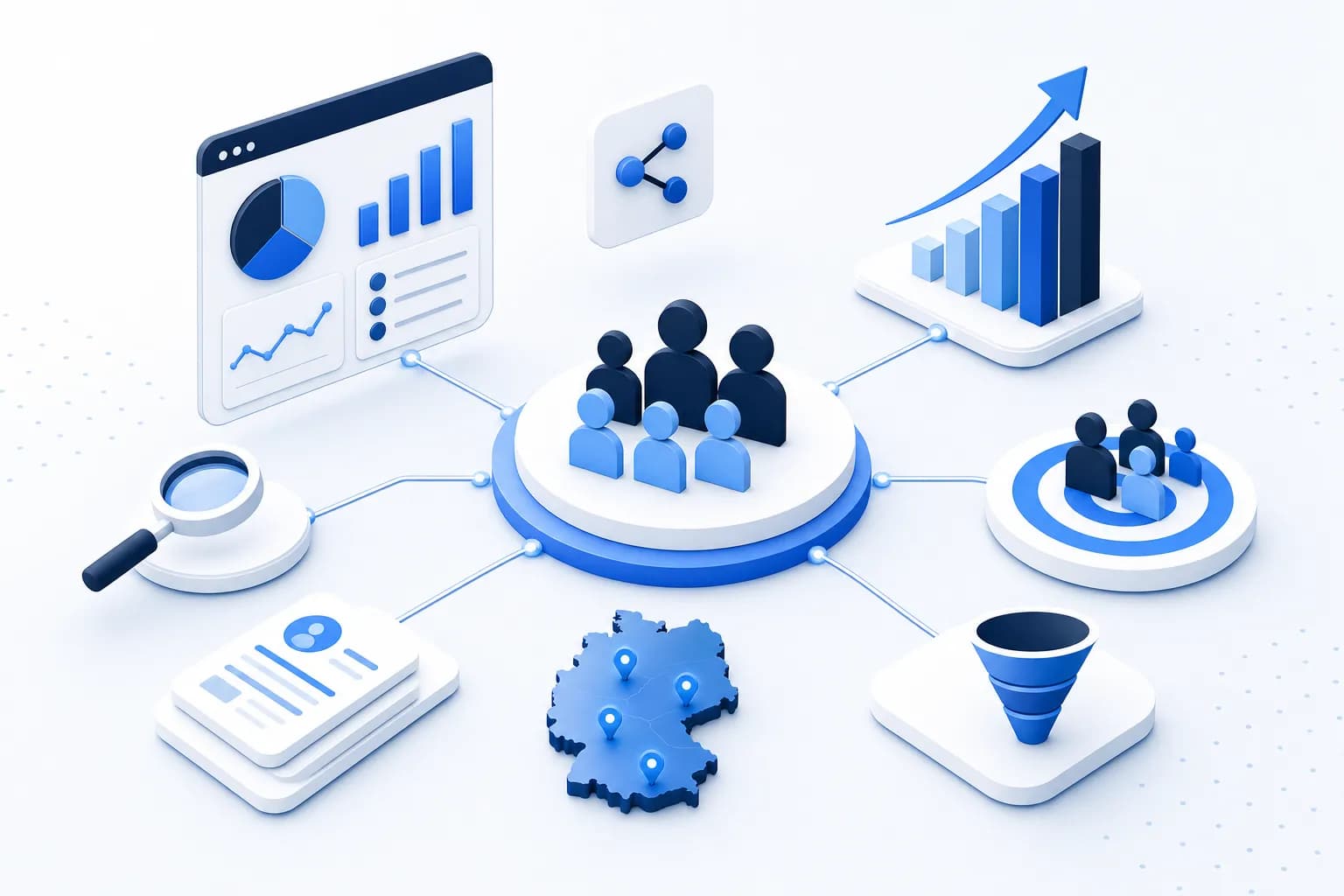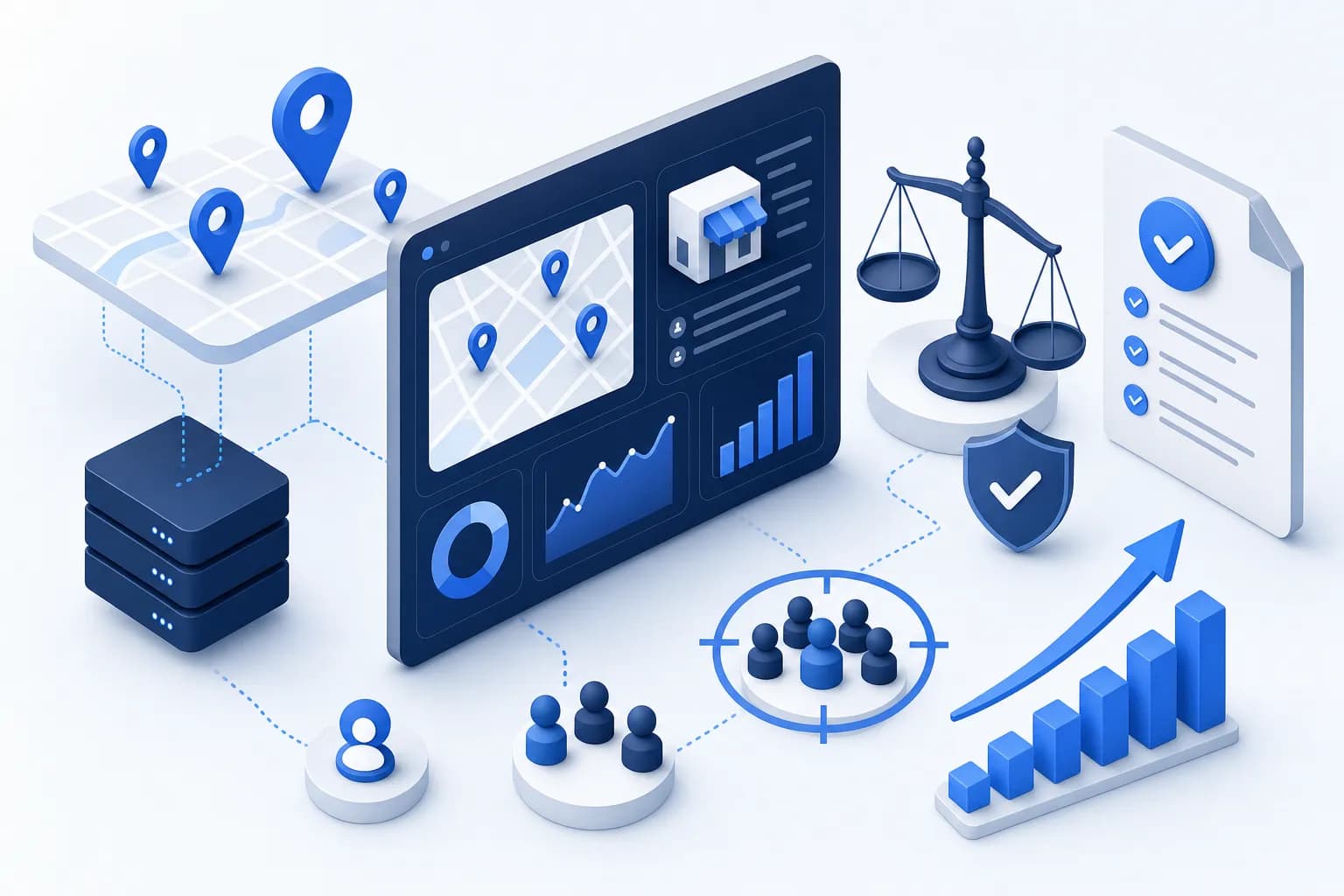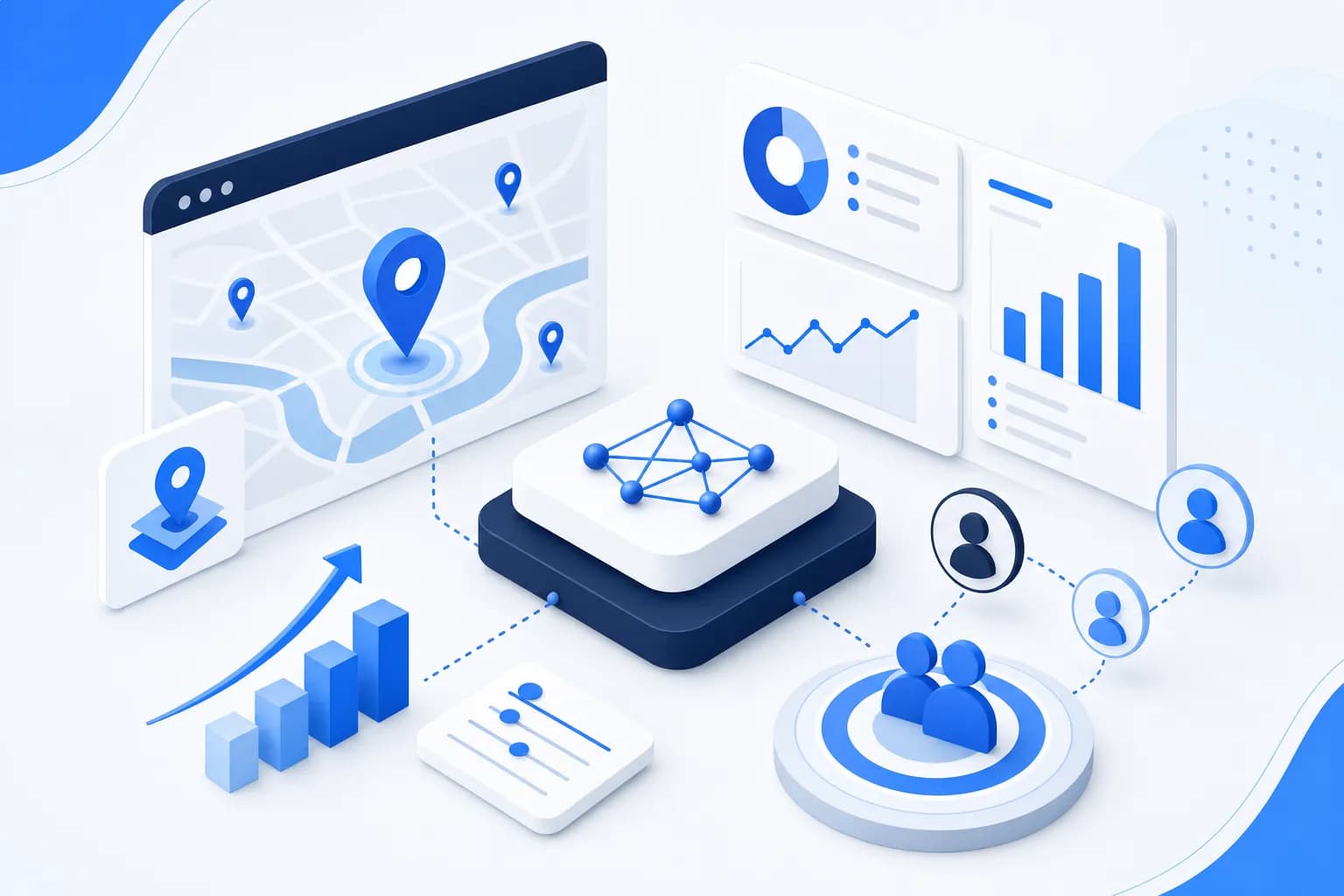
The Google Places API is one of the strongest data sources for lead generation in the DACH market: with over 200 million places and businesses according to Google's own figures, Google Maps is the most complete business directory in the world, and the Places API gives you official, programmatic access to it. In this tutorial you will set everything up step by step — from the Cloud project through the choice between Text Search and Nearby Search to field masks and the current pricing model (as of July 2026).
Why is Google Places the best data source for B2B leads?
The Google Places API delivers fresher and more complete company data than any database subscription, because companies maintain their Maps profiles themselves and Google applies changes continuously. For each business found, you get in structured form:
- Company name and industry category
- Address and GPS coordinates
- Phone number and website URL
- Opening hours and reviews
- Photos and descriptions
The coverage is outstanding especially for the DACH Mittelstand (small and mid-sized businesses): practically every business with a physical presence is listed — from mechanical engineering firms to tax advisory practices. Important: using the official API is fundamentally different from scraping the Maps interface, which violates Google's terms of service. More on this in the article Google Maps scraping — what is legal in Germany.
Step 1: How do you set up the Google Cloud project?
For the Places API you need a Google Cloud project with a billing account attached — even if you only use the free quota, Google requires a payment method on file. The setup takes about 15 minutes:
- Go to console.cloud.google.com and sign in with a Google account
- Create a new project via the project selector at the top left, for example named "lead-generation"
- Under Billing, set up a billing account with a payment method and link it to the project
- Optionally, under Budgets & alerts, create a budget with an alert threshold — this way you get an email before any costs are incurred
The budget alert is not a spending cap, only a notification — if you want a hard ceiling, additionally throttle the API's request quota in the console.
Step 2: How do you enable and secure the Places API?
The Places API (New) is the current generation of the interface and the right choice for new projects — the classic Places API is considered legacy. Enabling and securing it in four steps:
- Open APIs & Services → Library, search for "Places API (New)", and click Enable
- Create a new API key under APIs & Services → Credentials
- Restrict the key under API restrictions to the Places API (New) — that way a leaked key cannot use other Google services on your bill
- Under Application restrictions, set an IP restriction to your server if the queries run from fixed infrastructure
Treat the key like a password: do not check it into code repositories; store it as an environment variable instead.
Text Search or Nearby Search — which method fits lead lists?
Text Search is almost always the right choice for lead generation because it understands free-form search terms like "tax advisory Berlin"; Nearby Search, by contrast, finds places of a specific type within a radius of coordinates. The differences at a glance:
- Text Search: Accepts natural-language queries combining industry and region ("software companies Munich", "mechanical engineering Mittelstand Swabia"). Each request returns up to 20 results, and up to 60 in total via the pagination token (nextPageToken) — according to the official Text Search documentation, 60 results is the hard limit
- Nearby Search: Expects a center point (coordinates), a radius, and place types like "electrician" or "lawyer". Strong when you want to systematically grid an area, for example all skilled-trade businesses within 20 kilometers of a city
In practice you combine both: Text Search for industry-based list building, Nearby Search to cover dense regions completely tile by tile when Text Search's 60-result limit becomes a constraint. You can also work around the 60-result limit in Text Search by splitting a region into several more specific queries — instead of "IT service providers Bavaria", use "IT service providers Nuremberg", "IT service providers Augsburg", and so on.
What does the Google Places API cost? (As of July 2026)
The Google Places API has had a new pricing model since March 1, 2025: the former 200-dollar monthly credit was discontinued and replaced by free monthly quotas per SKU category — 10,000 calls for Essentials, 5,000 for Pro, and 1,000 for Enterprise queries, as Google documents in the official billing FAQ. Which category gets billed is determined by the fields you request per query:
| SKU category | Free quota per month | Typical fields | Text Search price (after free quota) |
|---|---|---|---|
| Essentials (IDs Only) | 10,000 calls | Place IDs only | 32 US dollars per 1,000 calls |
| Pro | 5,000 calls | Name, address, category, coordinates | 32 US dollars per 1,000 calls |
| Enterprise | 1,000 calls | Additionally website, phone number, opening hours, rating | 35 US dollars per 1,000 calls |
| Enterprise + Atmosphere | 1,000 calls | Additionally review texts and amenity attributes | Highest tier, unnecessary for lead lists |
For lead lists you need the website and phone number — in other words, the Enterprise tier. The math therefore looks like this: 1,000 free Enterprise calls per month times up to 20 results per call yields up to 20,000 company records per month for free. After that, 1,000 additional calls (up to 20,000 more companies) cost 35 US dollars. The exact prices, including volume discounts, are listed in the official Google price list; older blog articles that still calculate with the 200-dollar credit have been outdated since March 2025.
How do field masks lower your API costs?
A field mask (FieldMask) is the list of response fields you request per query — and it determines the price: Google bills every request in the highest SKU category from which you request even a single field. If you accidentally request an Atmosphere field like reviews, you pay the top rate for the entire request.
For cost-efficient lead search, the following therefore applies:
- Request only what you really need — for lead lists, typically: places.displayName, places.formattedAddress, places.nationalPhoneNumber, places.websiteUri, places.types
- Skip rating and review fields if you do not analyze them — they lift the request into the most expensive category
- Separate use cases: for pure territory analyses, the Pro tier without website and phone is enough, with the larger 5,000-call free quota
You pass the field mask as the HTTP header X-Goog-FieldMask with comma-separated field paths. Without a field mask, the Places API (New) does not answer any request at all — which sensibly forces you to answer the cost question before your first query.
How do you formulate search queries strategically?
The quality of your leads depends directly on the quality of your search queries — the API only finds what you ask for. Four strategies have proven effective:
- Industry + city: "IT service providers Frankfurt" — the standard for list building
- Industry + region: "mechanical engineering Bavaria" — broader, but constrained by the 60-result limit; better to break it down into cities
- Problem-oriented: "tax advisory Mittelstand" — finds providers who position themselves that way
- Niche-specific: "e-commerce agency Duesseldorf" — fewer results, but a higher hit rate during qualification
With a language model like Claude, you can automatically generate dozens of search query variants from your product description — different synonyms, industry labels, and location combinations that you would never write out completely by hand. That is exactly how anilead.io works too: your target customer description automatically produces 8 to 12 search queries per run.
How do you get from the website to the email address?
The Places API delivers the website URL but no email address — enrichment is the second pipeline step. A web crawler handles this automatically:
- Visit each found website programmatically
- Check the typical pages /kontakt, /impressum, and /ueber-uns for email patterns — in Germany, the Impressum requirement (the mandatory site notice) ensures that almost every business website lists an address
- Distinguish generic addresses (info@, kontakt@) from personal ones and prioritize the latter
- Validate the addresses technically before they go into the CRM
Legal note: an extracted email address is not permission to send marketing emails. Under § 7 Abs. 2 UWG (Section 7(2) of the German Act Against Unfair Competition), email advertising generally requires consent, even in B2B — so plan the first contact via phone (with presumed consent), postal mail, or LinkedIn and obtain email consent there. This article is not legal advice.
Is using the Places API for lead generation allowed?
The Places API is the route officially intended by Google for using Maps data programmatically — in contrast to scraping the Maps interface, which violates the terms of service. You still need to observe two levels: Google's platform rules (such as requirements on storing and attributing content, although Place IDs may be stored permanently) and German law when subsequently using the data. Since this is publicly viewable business data, the processing can be based on legitimate interest (Art. 6(1)(f) GDPR, the EU General Data Protection Regulation), provided you document the balancing of interests and implement data subject rights. The detailed assessment, including the distinction from scraping, can be found in the article Google Maps scraping — what is legal in Germany.
Conclusion: The complete pipeline
Google Places delivers the company data, the website crawler the email addresses, AI scoring the prioritization, and the export brings everything into the CRM — these four steps make up a complete lead pipeline whose raw data costs you nothing within the free API quota. How the entire automation stack works together is explained in the guide to B2B sales automation; which additional free data sources are worth adding is shown in the article generating B2B leads for free.
If you do not want to build the pipeline yourself: anilead.io is a B2B lead generation software for the DACH market that finds companies via Google Places, extracts email addresses, and scores every lead with Claude AI. Your own Google API key is not required — the search runs on the anilead.io infrastructure, and data processing takes place on EU servers in Frankfurt. The Free plan includes 50 lead credits per month, no credit card required.
Frequently asked questions about the Google Places API for lead generation
Does the Google Maps Platform 200-dollar credit still exist?
No. Google discontinued the monthly 200-dollar credit on March 1, 2025 and replaced it with free monthly quotas per SKU category: 10,000 calls for Essentials, 5,000 for Pro, and 1,000 for Enterprise queries (as of July 2026). For lead queries with website and phone number, the Enterprise quota of 1,000 calls per month applies.
How many leads do I get within the free quota?
Up to 20,000 company records per month: 1,000 free Enterprise calls times up to 20 results per Text Search request. If you skip the website and phone number, the Pro quota of 5,000 calls applies — up to 100,000 basic records. The practical bottleneck is rarely the API, but rather your capacity for qualification and outreach.
Do I need programming skills for the Places API?
For direct use, yes — you need a Cloud project, an API key, and a script that sends requests and processes responses; with basic knowledge of Python or JavaScript, this is doable in an afternoon. Without programming, you can use a tool like anilead.io, which has Places search, email extraction, and AI scoring already built in and does not require your own API key.
Does the Places API also deliver email addresses?
No, email addresses are not a field of the Places API — it delivers, among other things, name, address, phone number, and website URL. You obtain the email address in a second step, by having a crawler visit the company website and analyze the contact and Impressum pages. For outreach, note § 7 UWG: marketing emails generally require consent.